.png)
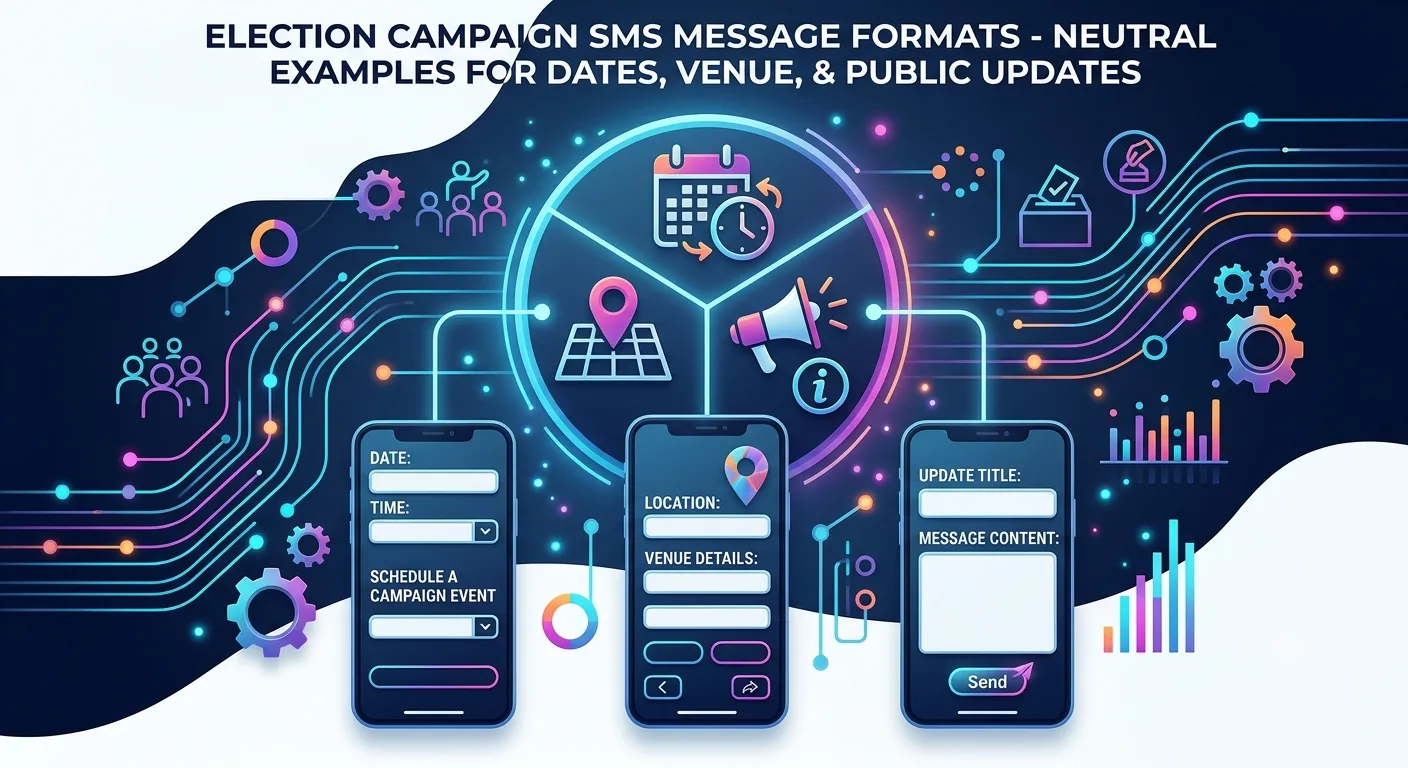
An election campaign SMS works best when it carries one factual purpose, names the sender, gives the date, place or number the reader needs, and uses a registered template with no unverified claims. The formats below are neutral, placeholder-based examples for venue changes, published schedules and helplines. Each still needs review and any required approval before use.
If you are searching for an election campaign SMS message format, the useful question is not "what wording persuades?" but "what wording is clear, checkable and safe to send?" This guide gives neutral formats for public updates, explains how to build each part, and shows what to check before a template is submitted. It is part of our wider guide to political campaign marketing in India, and it pairs with our bulk SMS setup checklist for election campaigns, which covers sender setup and test sends.
By Rupali Dahiwal. Last reviewed: 25 October 2026. This guide does not provide persuasion copy, party messaging or voter-targeting templates. It is operational guidance, not legal advice.
What this guide does and does not give you
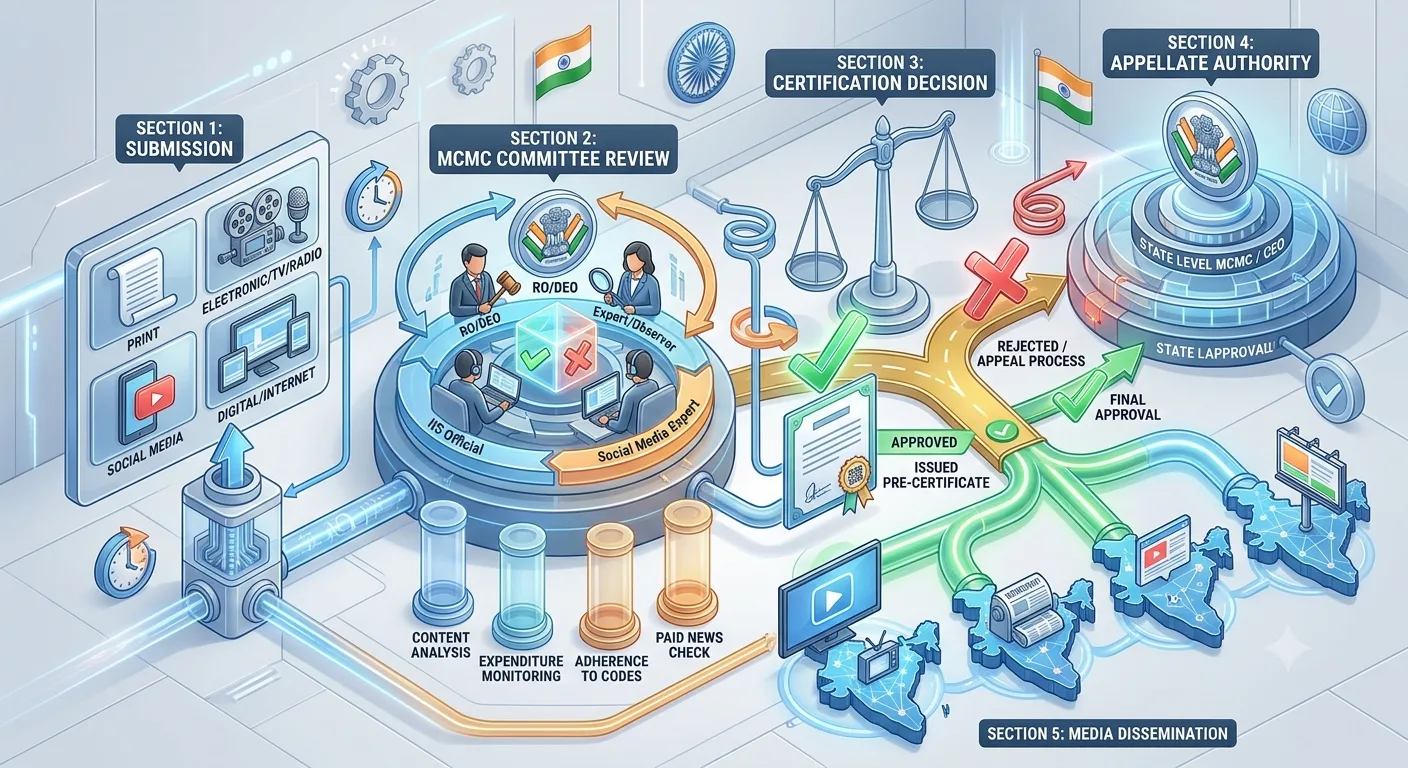
The examples below are limited to factual, operational notices: a change of venue or time, a pointer to a published schedule, and helpline details. They are written with placeholders in square brackets. They are not approved templates, and they are not a statement that any given message is permitted for your election. Whether a message counts as a political advertisement, and whether it needs pre-certification, depends on the exact content, channel and election. See our guide to MCMC pre-certification for how to check.
The examples deliberately avoid any attack on, or praise of, a person or party, and any appeal to vote a certain way. If your message needs that kind of content, it is outside this guide, and it is likely to need election-specific review.
The anatomy of a clear campaign SMS
A good public-update SMS has the same parts, in roughly this order:
Who is sending. The reader should know the sender from the header and, if space allows, the first words.
What is changing or being shared. One purpose per message.
The key detail. The date, time, place or number the reader needs.
Where to check or ask. A registered link or a staffed helpline.
How to stop messages, where applicable. Follow the opt-out wording your telecom provider and the template category require.
Leave out anything that does not help the reader act on the notice. Every extra clause is another thing to verify.
Neutral formats you can adapt
Venue or time change
Format: "Update from [sender name]: the [event name] on [date] now begins at [time] at [venue]. Helpline: [number]."
Why it works: it opens with the sender, states the change in one sentence and gives a number for questions. Check the date, time and venue against the organiser's confirmed record before every send.
Published-schedule notice
Format: "[Sender name]: the schedule for [event or programme] is published at [registered link]. Questions: [number]."
Why it works: it does not restate the schedule, so there is no second copy to go out of date. The link must be registered where your telecom setup requires it, and it must work on a mobile phone.
Helpline details
Format: "[Sender name]: for queries about [event or service], call [helpline number] between [hours] on [days]."
Why it works: it gives one action and the hours. Before sending, confirm the line is staffed during those hours, or the message will create complaints.
Event reminder
Format: "Reminder from [sender name]: [event name] is on [date] at [time], [venue]. Details: [registered link or number]."
Why it works: it repeats only confirmed details. Do not send a reminder if the event has changed since approval. Rerun the checks.
Correction notice
Format: "Correction from [sender name]: our earlier message gave [wrong detail]. The correct detail is [right detail]. Helpline: [number]."
Why it works: it is plain and specific. A correction should go through the same review path as the original, including any election-specific approval that applies. See our communication plan guide for how to design the pause and correction workflow.
Templates, variables and what changes the approval
For commercial SMS in India, messages go out from a registered header using a registered template. TRAI's guidance for senders describes templates as having fixed and variable parts. See TRAI's advice to senders. SMSNiti's own DLT page says an approved template cannot be edited, and that a change means a new submission. In practice:
Put the parts that never change into the fixed text, such as the sender's name and the structure of the sentence.
Use variables for details that change, such as date, time, venue or number.
Decide the exact variable fields before you submit, because adding a new field later is a new template.
Make sure the same wording, including variables, matches any election-specific certification that applies.
Telecom service providers approve or reject templates, not TRAI. TRAI said so in a press note dated 8 September 2025. So you cannot promise yourself approval, and you should leave time for corrections.
A simple example of the fixed and variable split, using the venue-change format: the fixed text is "Update from", the "the", "now begins at", "at" and "Helpline:". The variables are the sender name, event name, date, time, venue and number. Your provider's DLT panel will show how it wants variables marked.
Length, scripts and what fits in one message
SMS length depends on the character set. Plain English text typically fits about 160 characters in a single message. Text in Hindi or other Indian scripts normally uses Unicode, which typically fits far fewer characters in one message, around 70. Longer messages are split into several parts and may be billed as several messages. These are typical technical limits, so confirm the exact counts and billing in your provider's panel, which should show the number of parts before you send.
Practical consequences:
Write the shortest version that is still clear. Then count.
Test the regional-language version on real phones. A message that looks fine in the panel can display badly on some handsets.
Do not shorten by dropping the sender or the helpline. Shorten by removing nonessential words.
Avoid decorative symbols. They can force a message into Unicode and add parts.
SMSNiti's bulk SMS service lists support for regional languages such as Hindi and Marathi. See SMSNiti's bulk SMS service for how sending, scheduling and delivery status work.
What to avoid in campaign SMS
Unverifiable claims. If you cannot point to a source, do not send it.
Anything that attacks or mocks a person or party. It carries legal and reputational risk and is outside this guide.
Misleading urgency. Do not invent deadlines.
Misleading sender identity. The reader should know who is sending.
Unregistered links or numbers. They can cause failures, and they can look suspicious to readers.
Shortened links that hide the destination, unless your provider and template rules allow them and you have tested them.
Segmentation by sensitive traits. Do not choose recipients by religion, caste or inferred political views.
A pre-send checklist for each format
One purpose per message.
Every date, time, place, name and number verified against a named source.
Language and script reviewed by a native speaker.
Links registered where required and tested on a phone.
Template category matches the real purpose.
Election-specific approval resolved, where it applies, for this exact wording.
Test send done on several handsets.
Release owner and pause owner named.
Common mistakes
Copying a format without checking approval. An example is not a permission.
Editing after approval. A small change can break the match with the template or the certification.
Restating the schedule in the message. It goes out of date. Link to the published version instead.
Sending a reminder after a change. Always recheck.
No staffed helpline. A number that nobody answers costs trust.
Frequently asked questions
What should an election campaign SMS include?
The sender, one clear purpose, the key detail the reader needs, and a registered link or helpline where they can check or ask. Keep it factual and verified.
Can I use these SMS formats as templates directly?
Treat them as starting points. Each needs your own details, review, template registration and, where it applies, election-specific approval.
Does a neutral venue-change SMS need MCMC pre-certification?
It depends on the content, the channel and the election, so do not assume either way. Ask the relevant MCMC or a qualified adviser with the exact text. For the elections covered by its press note of 20 March 2026, the Election Commission required pre-certification of political advertisements on electronic media, including bulk SMS.
How many characters fit in one SMS?
Typically about 160 for plain English text and about 70 for Unicode scripts such as Hindi, but check your provider's panel for the exact count and billing.
Can I change an approved template?
No. A change means a new submission and approval, so finalise the wording first.
Sources checked
TRAI, Advice to Senders / Telemarketers, last updated 23 October 2026 as shown on the page. Checked 24 October 2026.
TRAI, Information Note to the Press dated 8 September 2025, on the role of telecom service providers in template approval. Checked 24 October 2026.
Election Commission of India, Press Note No. ECI/PN/038/2026 dated 20 March 2026. Checked 24 October 2026.
SMSNiti bulk SMS service and DLT registration pages, for template and language statements. Checked 25 October 2026.
If you want help turning a notice into a registered template and a clean test send, SMSNiti can take you through the steps. Bring your draft wording and your approval status.