.png)

Bulk SMS for election campaigns works best when setup is done in a fixed order: confirm your sending basis and approvals, register the sender and templates, review each message, test on real phones, send in a controlled release, then read the delivery report and log issues. Skipping a step is how wrong links and rejected templates reach the public.
This checklist is for campaign agencies and channel operators who need to run bulk SMS for election campaigns without surprises. It covers provider fit, sender and template setup, message review, test sends and delivery reporting. It forms part of our wider guide to political campaign marketing in India, which explains how SMS compares with voice. The examples here are neutral and operational: venue, time and helpline notices, not persuasion.
By Rupali Dahiwal. Last reviewed: 24 October 2026. This is operational guidance, not legal advice. Rules differ by election and content type, so confirm the current requirements for yours.
Before you start: two checks that are easy to confuse
Two separate sets of checks can apply to a campaign SMS, and they are easy to mix up:
Telecom setup. TRAI's guidance for senders lists the steps: Principal Entity registration, header registration, content template registration, passing the registered identifiers to telecom service providers, and, where applicable, consent through a registered consent template. TRAI states that failing to follow any of these steps will not allow you to send. See TRAI's advice to senders.
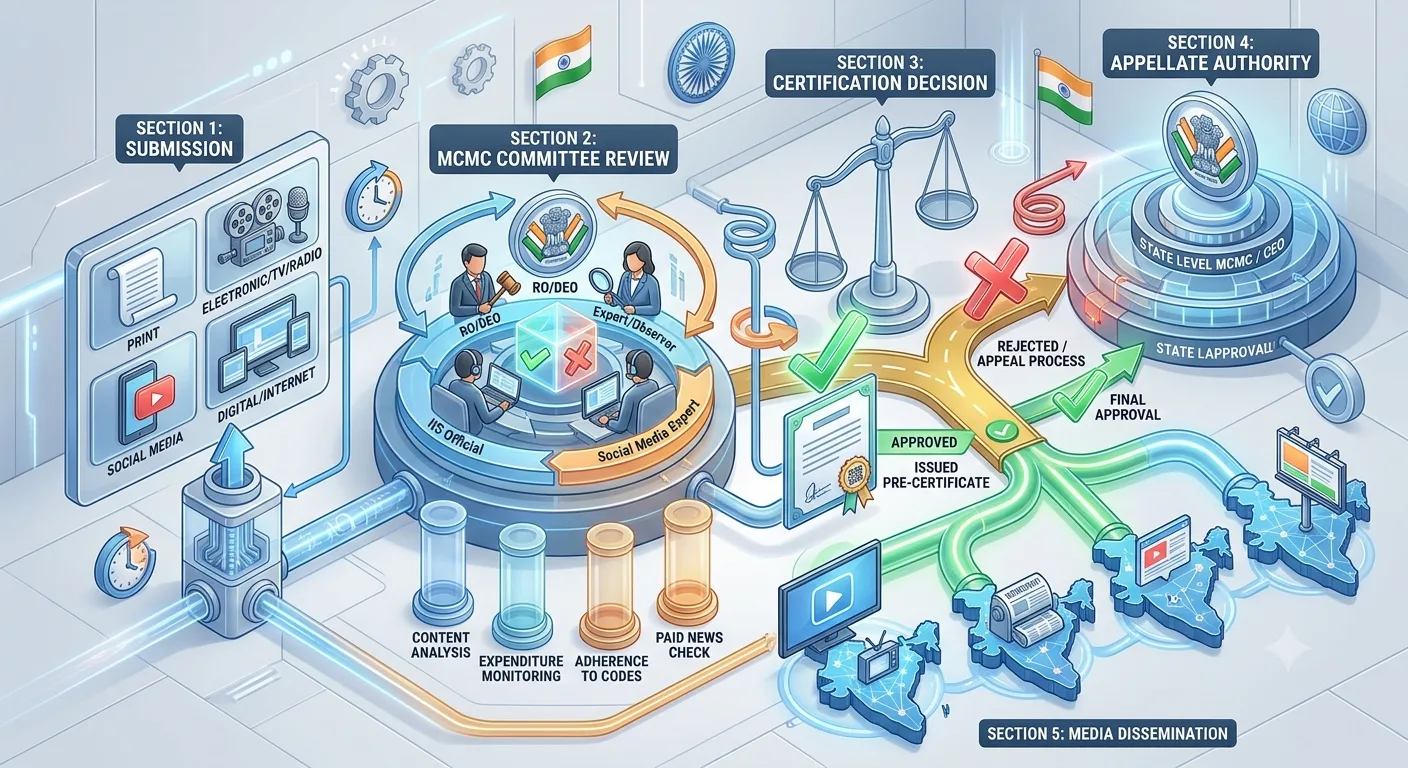
Election-specific approval. For the elections covered by its press note of 20 March 2026, the Election Commission required political advertisements on electronic media, including bulk SMS and voice messages, to be pre-certified by the Media Certification and Monitoring Committee (MCMC) before publication. Whether a message counts as a political advertisement is a classification question for the MCMC or a qualified adviser.
Passing the first check does not satisfy the second. Our guide to MCMC pre-certification explains how to verify the second, and our TRAI and DLT checklist covers the first in more detail.
Step 1: Check provider fit
You need a provider that can support sender setup, scheduling and per-number reporting, and that is open about what it cannot do. Use this short check, and see our provider selection scorecard for the longer version:
Can the provider help with DLT registration and template submission?
Does it support the languages you need, and will it let you test them?
Can you upload lists by file or send through an API?
Is delivery status available for every number, with a downloadable report?
Who do you contact in an urgent situation?
SMSNiti's bulk SMS service lists web-panel and API sending, DLT registration help, template support and delivery status for every number. Check any provider's published features against what you see in a demo, and ask for a written quote based on your volumes.
Step 2: Set up the sender and templates
For commercial SMS in India, each message is sent from a registered header using a registered template. Plan this early, because template approval depends on operators and can take time.
Register the sending entity on the operator's DLT platform, with the documents the operator asks for.
Register the header (the sender name recipients see) for the category you plan to use.
Register content templates with fixed text and variable fields for the parts that change, such as date, venue or phone number.
Register any links and call-back numbers that your messages will include, where the process requires it.
Connect your provider so your registered details can be used for sending.
Two practical points. First, an approved template cannot be edited. A change means a new submission, so finalise wording before you submit. Second, TRAI has said that approval or rejection of SMS templates is carried out by telecom service providers. No vendor can guarantee approval, and you should be wary of any who does.
Writing templates that are easier to approve
Keep fixed text clear and specific, and use variables only for data that really changes.
Avoid vague or misleading wording, and state who is sending.
Do not put in links or numbers that have not been registered, where registration is required.
Match the template category to the real purpose of the message.
Step 3: Prepare the message and review it
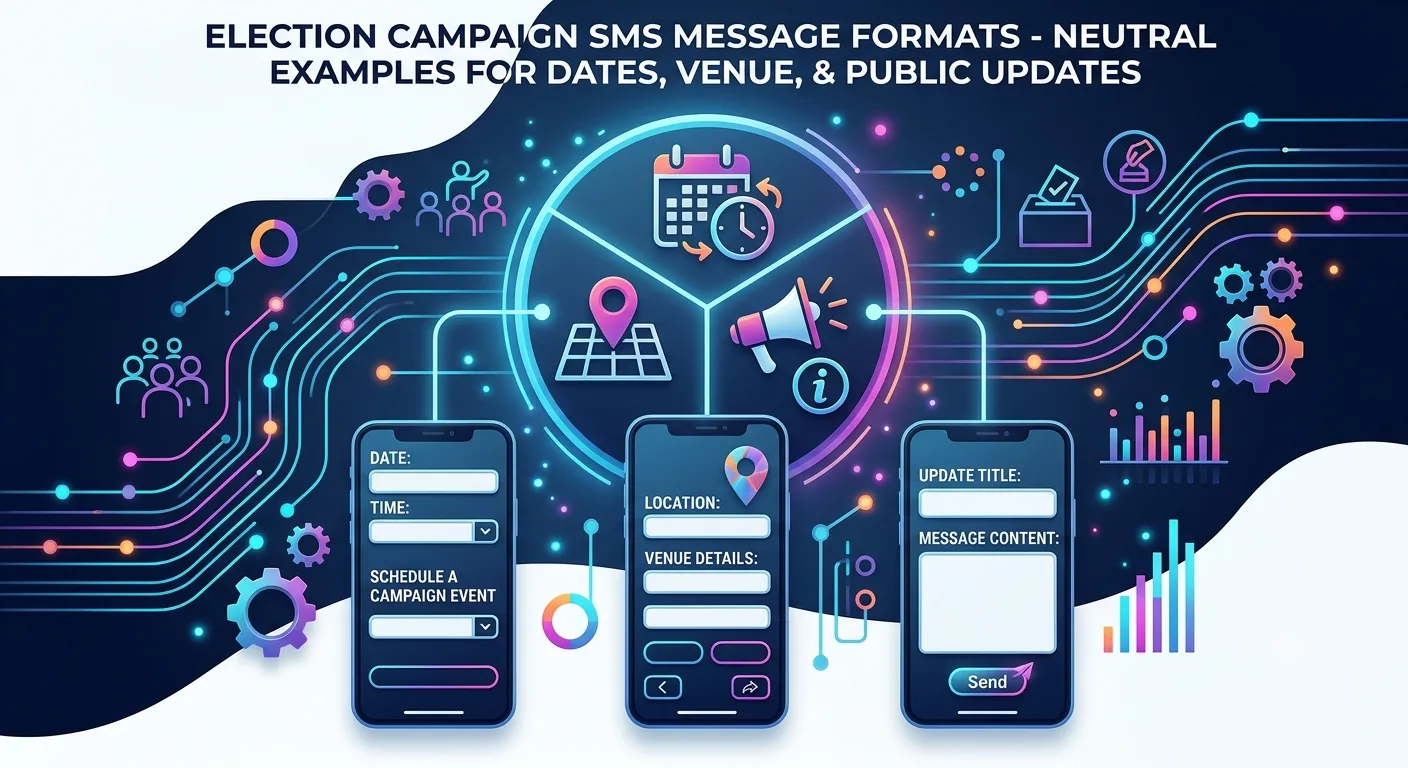
Good campaign SMS is short, clear and checkable. Use one purpose per message. The example formats below are neutral and use placeholders. They are illustrations, not approved templates, and each needs review before use.
Venue or time change: "Update: the [event name] on [date] now begins at [time] at [venue]. Helpline: [number]."
Published-schedule notice: "The schedule for [event] is published at [registered link]. Questions: [number]."
Helpline details: "For queries about [event], call [helpline number] between [hours]."
Before any message is approved for release, check:
Facts: every date, place, name and number, by someone who knows them.
Language: a native speaker for each language and script.
Links: every link opens, goes to the intended page and works on a mobile phone.
Sender identity: the recipient can tell who is sending.
Approval status: the election-specific approval, where it applies, is in hand and its version matches the final text.
Step 4: Prepare the contact list
The list is where most avoidable trouble starts. Before upload, confirm:
You know where each list came from and what permission exists for this use.
Numbers are in the right format and duplicates are removed.
A suppression list is applied so that anyone who asked to stop is excluded.
Access to the file is limited to the people who need it.
Do not segment by sensitive traits such as religion, caste or inferred political views. Use operational segments such as language, district or event.
Step 5: Run a test send
A test send is the cheapest safeguard you have. Send the final message, from the final template, to a small internal list that includes different handset types and networks. Then check:
The text displays correctly, including regional-language characters.
The sender name is as registered.
Every link opens correctly on a phone.
Merge fields filled in correctly, with no blank or wrong values.
The delivery report shows the test messages with sensible statuses.
Do not edit the message after the test. If anything changes, test again.
Step 6: Release in a controlled way
A named person authorises the release, and the final version is saved.
Check the current rules for your election, including any timing restrictions, before you schedule. Confirm them against the official order, not against a previous election's calendar.
Start with a small batch if your plan allows, and check the first results before sending the rest.
Keep a named pause owner available throughout the send.
Step 7: Read the delivery report correctly
A delivery report shows what the provider and networks recorded. It does not show whether a message was read or acted on. Read it this way:
Submitted: accepted by the provider.
Delivered: confirmed by the network, as reported to the provider.
Failed or not delivered: look at the reason where provided, such as an invalid number.
Do not infer persuasion or turnout from delivery figures, and do not quote benchmark rates you cannot back with your own logs. For a review structure, see how to plan a bulk SMS campaign from brief to post-campaign review.
Step 8: Escalate and correct
If something goes wrong, act in this order:
Pause any queued messages.
Identify which version went to which recipients, from your logs.
Verify the correct facts.
Approve the correction through the same review path, including any election-specific approval that applies.
Send the correction, and record what happened.
Decide this process before the campaign, not during an incident.
Common setup mistakes
Submitting templates too late. Operators decide approval, and you cannot control the timing.
Changing text after approval. It no longer matches the template.
Unregistered links. A link that should have been registered can cause messages to fail.
No test send. Errors reach everyone at once.
Assuming DLT approval is election approval. They are separate checks.
No suppression list. Messaging people who asked to stop creates complaints.
Setup checklist at a glance
Confirm your telecom setup and any election-specific approval.
Select a provider and confirm languages, reports and support.
Register the entity, header and templates, and any required links.
Draft, fact check and language check each message.
Prepare and clean the list, and apply suppression.
Run a test send on real phones and fix issues.
Authorise the release, with a named pause owner.
Read the delivery report and log issues.
Keep the approvals, final versions and reports on file.
Frequently asked questions
Can political parties send bulk SMS during elections?
It depends on the election, the content and the channel. Telecom rules require registered senders and templates, and the Election Commission has required pre-certification of political advertisements on electronic media, including bulk SMS, for certain elections. Check the orders for your election before you send.
How long does DLT template approval take?
There is no fixed time. It depends on how quickly the operator verifies documents and approves templates, so start early.
Can I edit an approved SMS template?
No. A change needs a new template submission and approval, so finalise your wording first.
What should an election campaign SMS contain?
Keep it factual, specific and short: purpose, date, place, contact number and who is sending. Avoid anything you cannot verify.
Does a delivery report prove a message worked?
No. It shows delivery status as recorded by the provider and networks. It does not show whether anyone read the message or acted on it.
Sources checked
TRAI, Advice to Senders / Telemarketers, last updated 23 October 2026 as shown on the page. Checked 24 October 2026.
TRAI, Information Note to the Press dated 8 September 2025, on the role of telecom service providers in template approval. Checked 24 October 2026.
Election Commission of India, Press Note No. ECI/PN/038/2026 dated 20 March 2026. Checked 24 October 2026.
SMSNiti, bulk SMS service page and DLT registration page, for the setup steps and features described. Checked 24 October 2026.
If you are planning an election-period SMS campaign, SMSNiti can walk you through sender setup, template submission and delivery reporting. Bring your final message wording, your list source and your approval status so the conversation can be specific.